

Not all motion is equal, a leaf blowing in the wind or a passing shadow shouldn’t trigger an alert, but traditional motion detection systems often struggle to tell the difference. That’s where smart motion detection comes in. Using advanced algorithms and artificial intelligence, smart motion detection drastically reduces false alarms, ensuring that your CCTV system alerts you only when it truly matters.
Whether you manage a warehouse, office, school, or retail premises, understanding how smart motion detection works and how it can improve the efficiency of your security system is key to protecting your property and peace of mind.
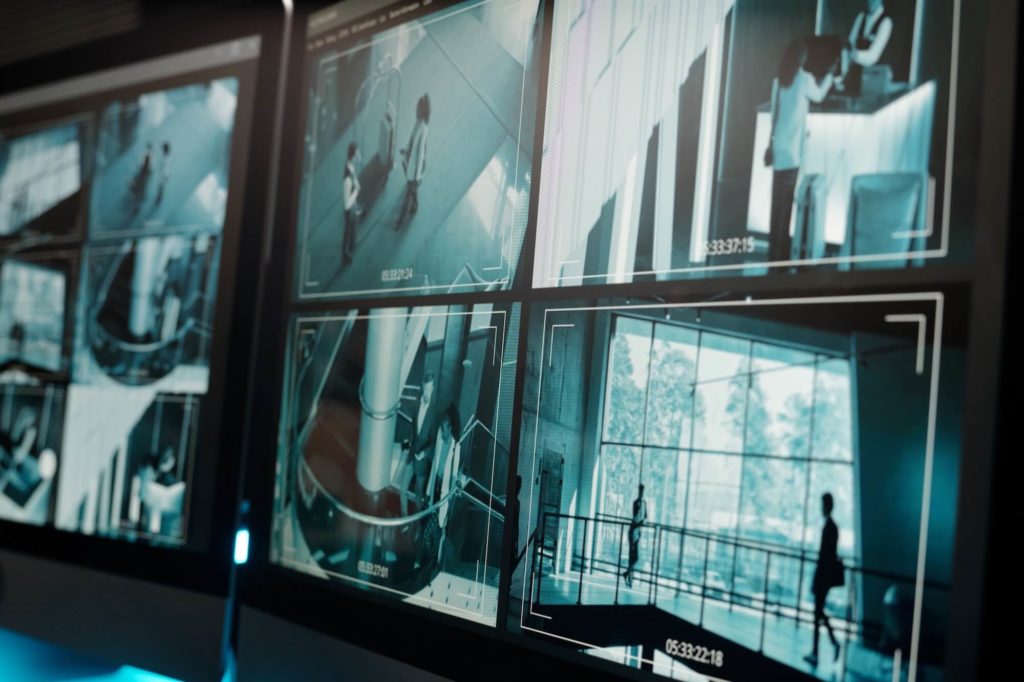
What Is Smart Motion Detection?
Smart motion detection is a modern surveillance feature that uses advanced technology, often including AI and deep learning, to analyse video footage and distinguish between genuine security threats and irrelevant motion.
Unlike standard motion detection, which is triggered by any movement in the frame, smart motion detection can identify and categorise objects such as people, vehicles, or animals. This means it knows the difference between a car driving past and a branch swaying in the wind.
How Standard Motion Detection Works (and Where It Fails)
Conventional CCTV motion detection works by monitoring pixel changes in the video feed. When a certain threshold of movement is detected, say, a change in contrast or colour, the system triggers an alert or starts recording.
This method is:
- Simple and inexpensive
- Useful for basic monitoring
- But prone to frequent false alarms
Examples of typical false triggers include:
- Moving trees or bushes
- Shadows shifting throughout the day
- Insects or birds near the lens
- Headlights from cars passing by
- Weather changes such as rain or snow
These false alerts can quickly desensitise staff to genuine threats, drain storage capacity, and lead to unnecessary security callouts.
The Evolution: What Makes Motion Detection “Smart”?
Smart motion detection adds an extra layer of analysis, filtering motion based on what is moving, not just that something is moving.
Common features include:
1. Human and Vehicle Detection
The system uses object recognition to determine whether a person or vehicle is in the frame. This is often called target classification, and it’s one of the biggest advancements in reducing false alerts.
2. Intrusion and Line-Crossing Detection
Instead of monitoring an entire field of view, you can draw virtual lines or zones on the screen, triggering alerts only when people or vehicles cross those boundaries.
3. Behaviour Analysis
Some smart systems can analyse movement behaviour, such as loitering, running, or crowd gathering, offering insights for both security and operations.
4. Scheduling and Filtering
Set time windows when certain types of alerts are more relevant. For example, detect human motion after hours but ignore it during working hours.
5. AI and Deep Learning
Advanced systems like Hikvision AcuSense use deep learning algorithms trained on vast datasets. They continuously improve their ability to distinguish genuine threats from environmental noise.
Key Benefits of Smart Motion Detection
1. Dramatically Fewer False Alarms
This is the primary benefit. Businesses can avoid the disruption, cost, and fatigue associated with unnecessary alerts, especially in outdoor or busy environments.
2. Faster Response Times
When an alert is triggered, you know it’s likely a genuine incident. This allows security staff or emergency services to act faster and more confidently.
3. Improved Recording Efficiency
By filtering out meaningless motion, smart systems save on bandwidth and storage. Only relevant footage is recorded or archived.
4. More Accurate Evidence
When an incident occurs, footage tagged by smart motion detection makes it easy to pinpoint what happened and when, saving hours of manual review.
5. Better Resource Allocation
With fewer false alerts, your team can focus on real security concerns rather than chasing shadows, literally and figuratively.
Where Is Smart Motion Detection Most Useful?
Smart motion detection is valuable in almost all commercial settings, but some sectors benefit especially:
- Retail: Preventing shoplifting or monitoring after-hours movement.
- Warehouses: Detecting unauthorised access in loading bays or storage zones.
- Schools: Safeguarding perimeters outside of normal hours.
- Car parks: Alerting staff to loitering or vehicle theft attempts.
- Construction sites: Protecting valuable plant equipment during down times.
- Office buildings: Managing security with minimal disruption to staff.
Is Smart Motion Detection Worth the Upgrade?
Absolutely, especially when installed as part of a modern IP-based CCTV system from a certified supplier. Whether you’re installing a new CCTV system or upgrading an existing one, opting for cameras and recorders with smart detection features can pay dividends in both performance and long-term cost savings.
When paired with other smart technologies, like remote monitoring, PTZ tracking, or thermal detection, smart motion detection forms the backbone of a truly intelligent surveillance system.
Hikvision’s AcuSense: A Leader in Smart Motion Detection
As a Hikvision Certified Partner, Active CCTV often recommends AcuSense technology to clients who need enhanced detection with minimal false alerts.
AcuSense-enabled cameras:
- Detect humans and vehicles with over 90% accuracy
- Trigger alarms only when meaningful targets are detected
- Integrate easily into existing NVRs and monitoring setups
- Work in all lighting and weather conditions
This makes them ideal for commercial, industrial, and public sector clients looking to upgrade their security infrastructure without breaking the bank.
Things to Consider Before Installing Smart Motion Detection
To get the best results from your CCTV system’s smart features:
- Choose the right camera placement: Avoid pointing cameras at overly busy areas like roads unless necessary.
- Set up detection zones: Focus on high-priority areas such as entry points or asset storage.
- Test and adjust: Smart systems allow fine-tuning sensitivity, object size, time delays and more.
- Keep firmware up to date: Regular updates improve detection accuracy and add new features.
- Work with a certified installer: A professional team will help configure your system to suit your environment and avoid costly misconfiguration.
Smarter Surveillance Starts Here
Smart motion detection is not just a buzzword; it’s a practical, proven technology that transforms how CCTV systems operate. By drastically reducing false alerts and ensuring only relevant footage is captured, it enhances both the security and efficiency of your surveillance setup.
Whether you’re upgrading an old system or planning a new installation, adding smart detection features like those offered by Hikvision AcuSense is a smart investment for the long-term security of your site.
Need Help Choosing the Right Smart CCTV System?
Smart motion detection is incorporated into all our commercial CCTV systems as standard. helping your business reduce false alerts, improve security, and gain peace of mind.
Active CCTV is a nationwide CCTV specialist with over 25 years of experience. We offer expert advice, professional installation, and custom surveillance solutions using the latest Hikvision technology.
Call 01492 547997 or email info@active-cctv.co.uk today.